What is a light account?
A user with a light account has restricted rights on the WEDO network.
The role of a light user
Concerning tasks
A light user is only authorized to complete tasks assigned to him/her. He/she can neither create tasks, nor delegate them to other colleagues.
Here's what a light user can do with the tasks it receives:
✔️ End tasks delegated to it once they have been completed.
💬 Comment on tasks assigned to it.
📎 Attach files to assigned tasks.
In meetings
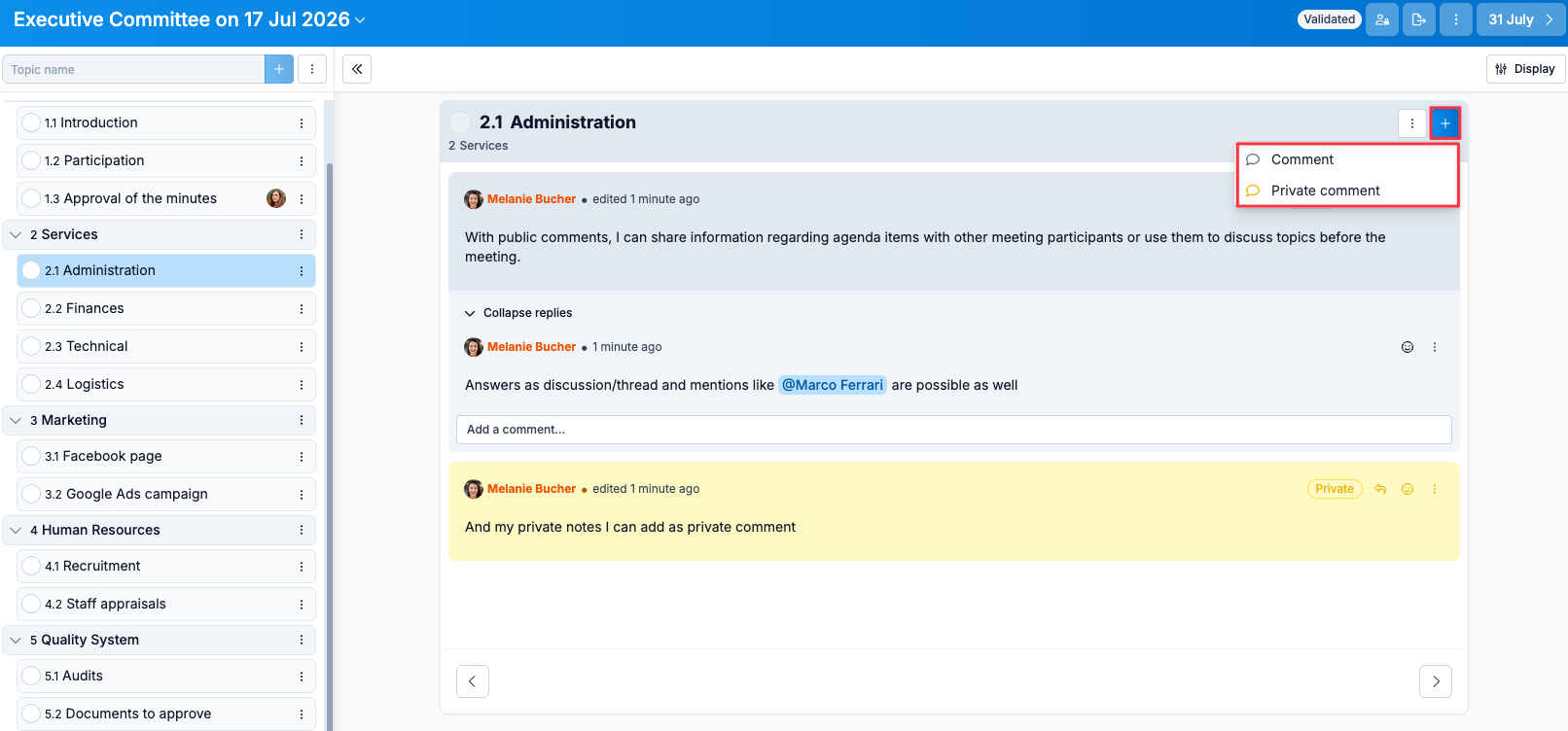
It is possible to add a light user as participant of a meeting. The latter will have read-only access to the meeting and will be able to add private or public comments.
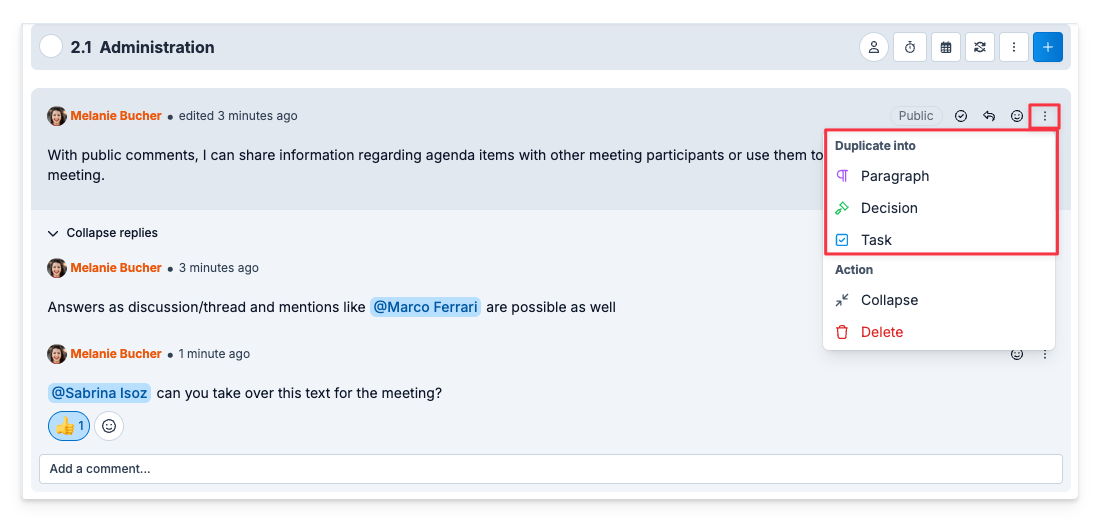
As a Light User, I can contribute by posting public comments, so that someone with more permissions can adopt part or all of the text.
Access to workspaces, templates and checklists
When a light user is added to the members of a workspace or checklist template, he or she can view all the contents of the workspace and template in read-only mode.
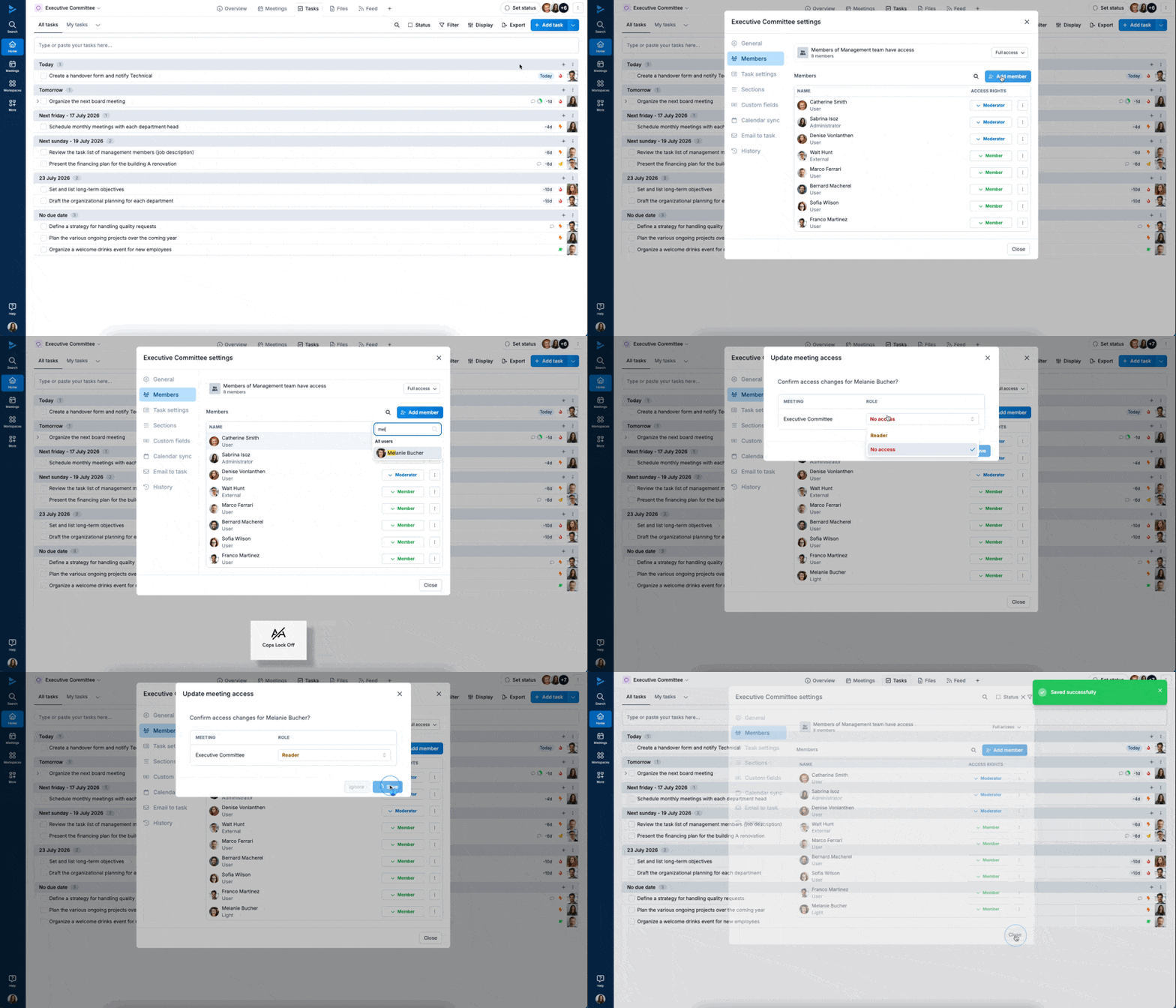
⚠️ When you add a light user to a workspace, you can choose whether to give them the role of reader or no access at all to meetings in the workspace.