Team settings
Only team moderators and network administrators have access to the settings.
Name
To change the name of a team :
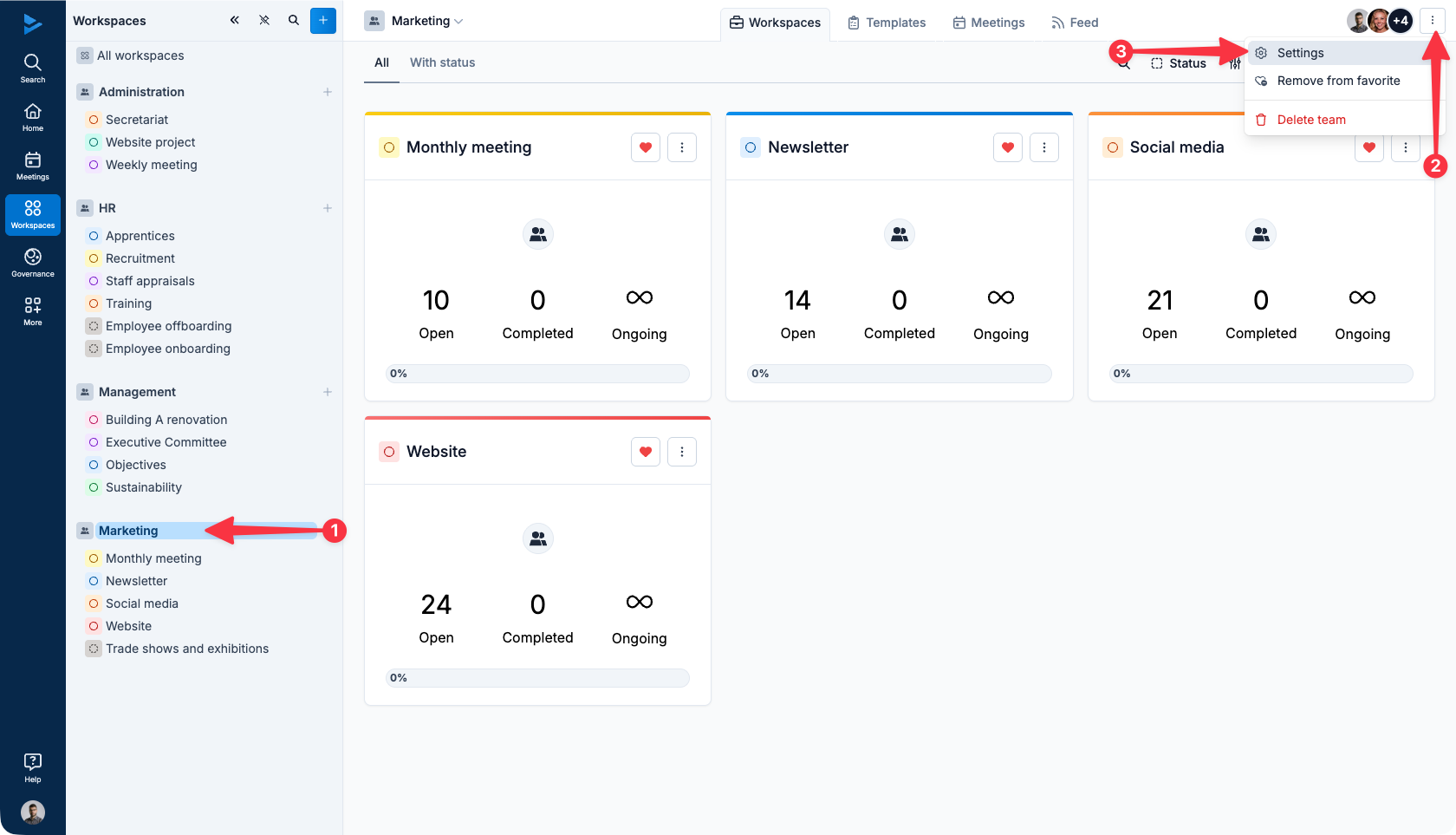
From the main menu, click on the team in question
Click on the button with the three vertical points
Click on Settings
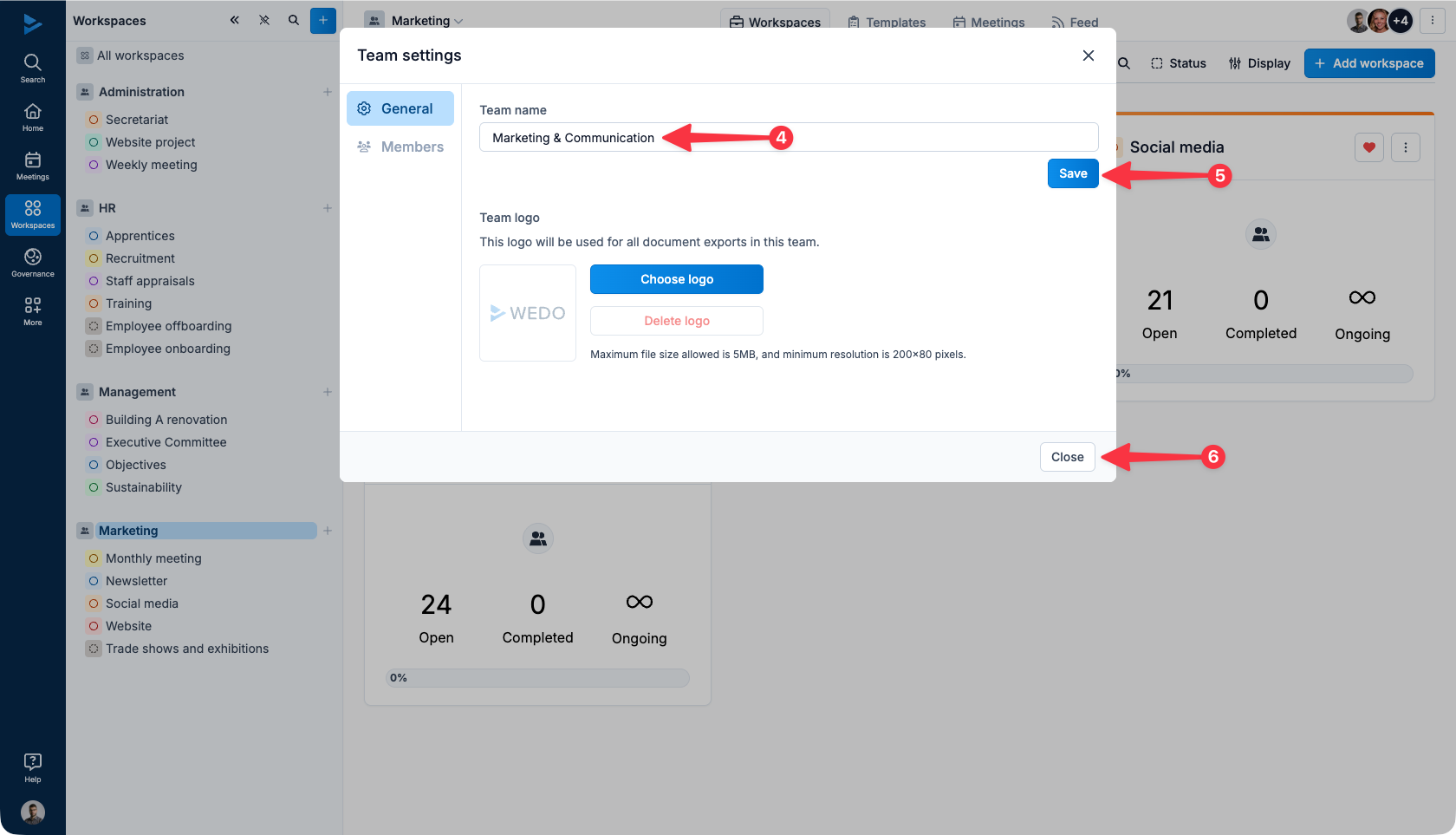
A window opens, enter the new name in the field provided for this purpose
Click on Save
Click on Close
Logo
The selected logo will be used for all team exports.
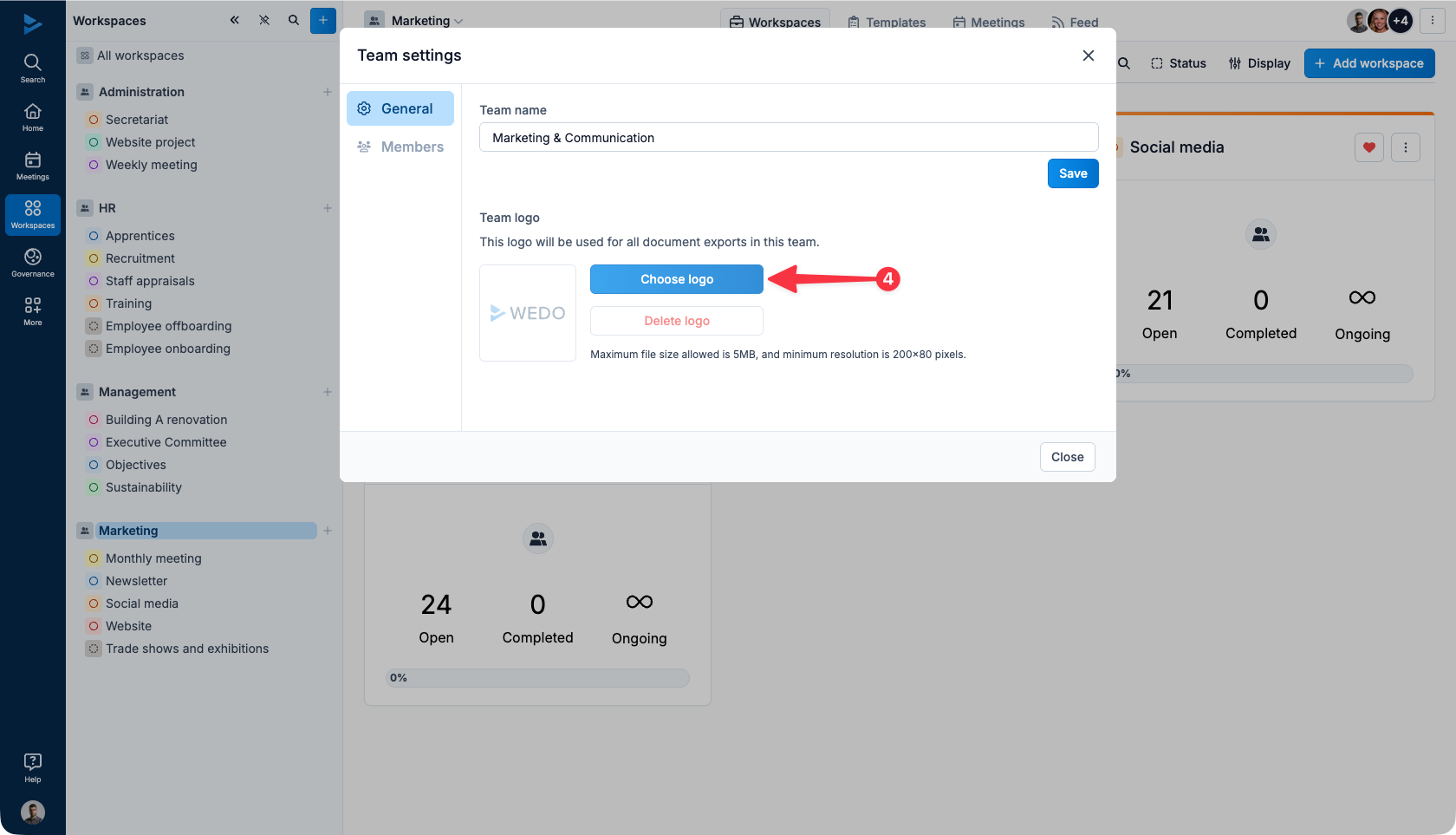
To assign a logo to a team :
From the main menu, click on the team in question
Click on the button with the three vertical points
Click on Settings
A window opens, click on Change logo
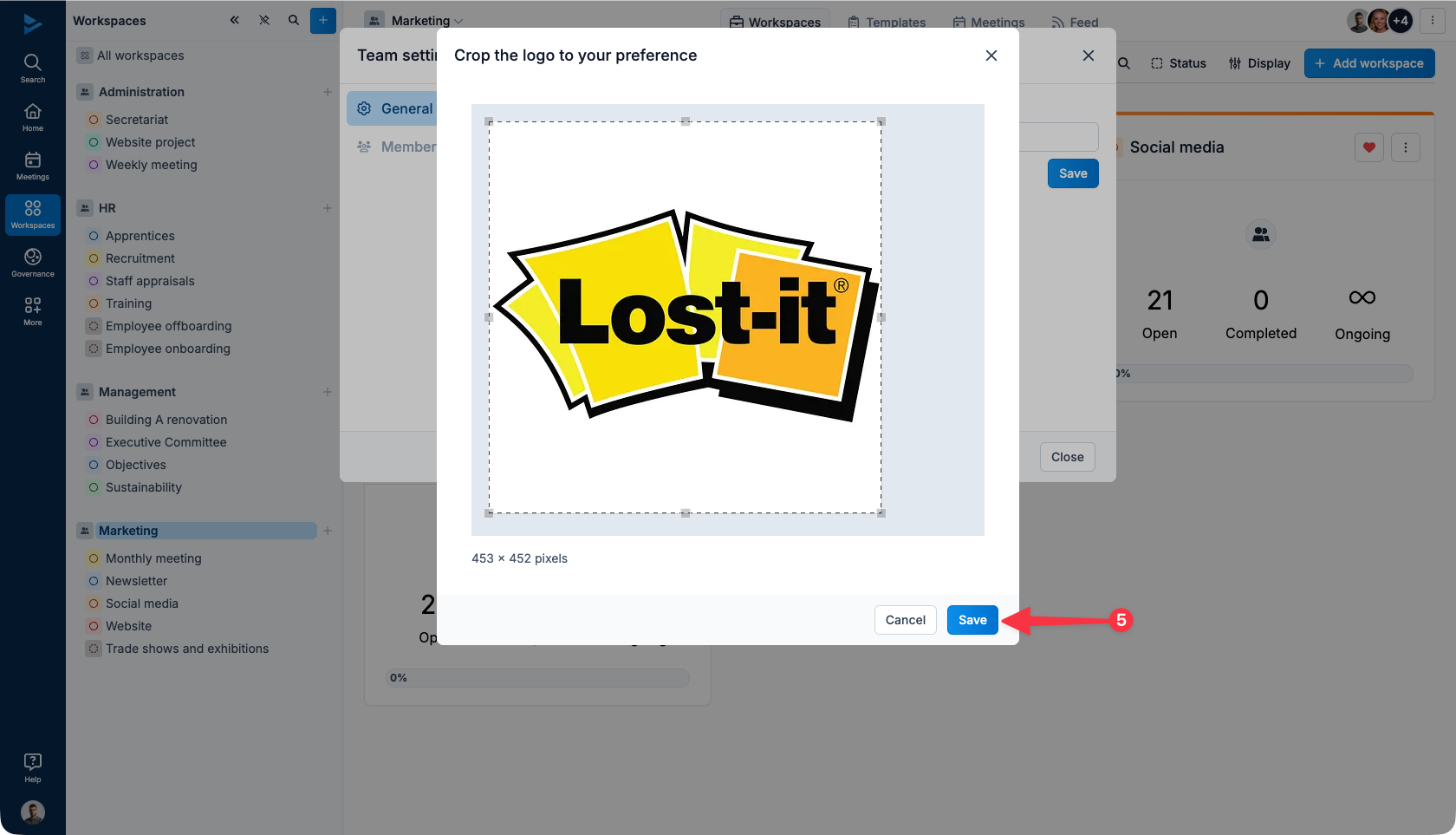
Select the image from your computer folders and then click on Save
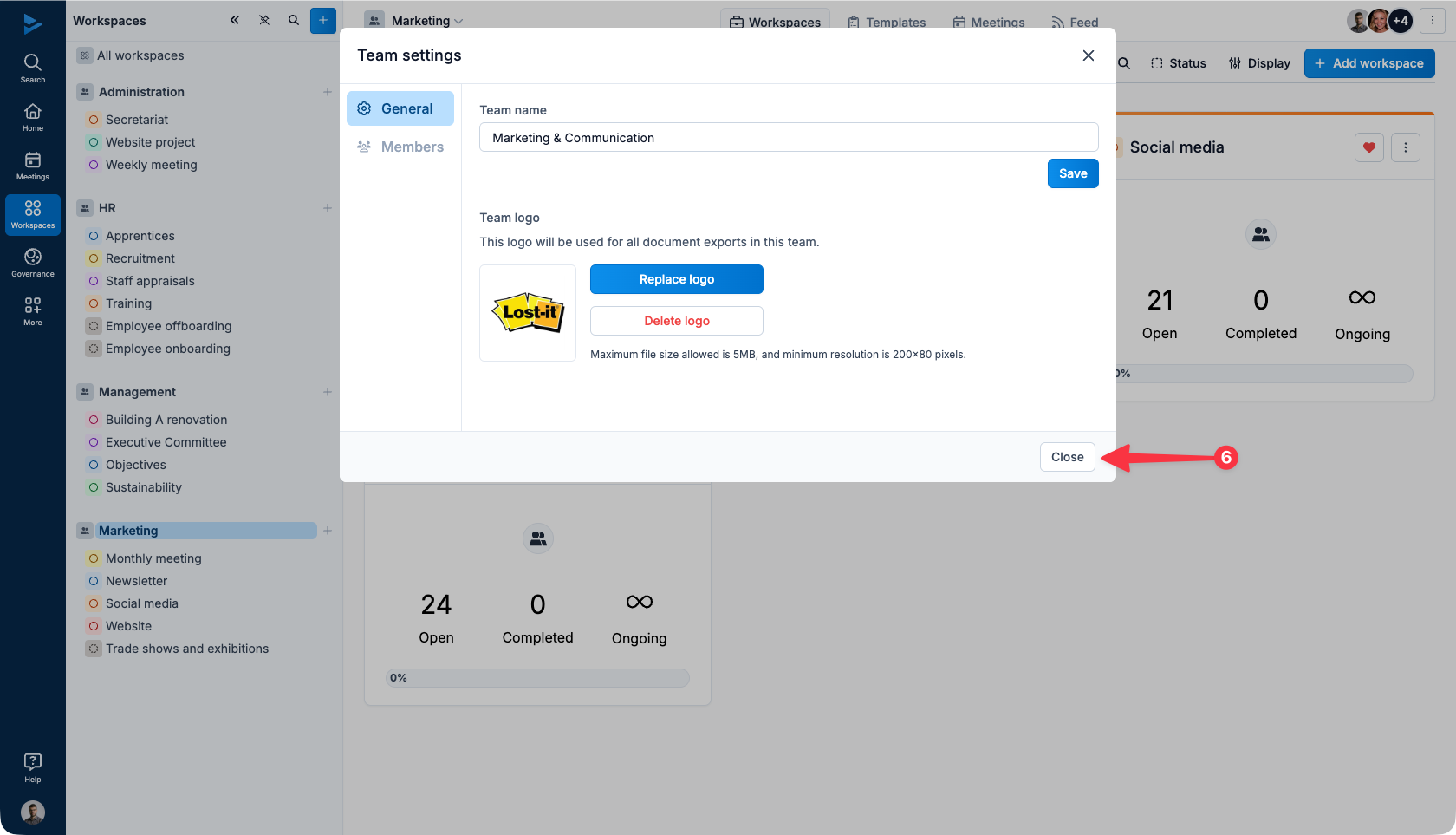
Finally click on Close