
What to do if your email could not be processed by WEDO?
Have you received a similar error message indicating that your email could not be processed by WEDO?
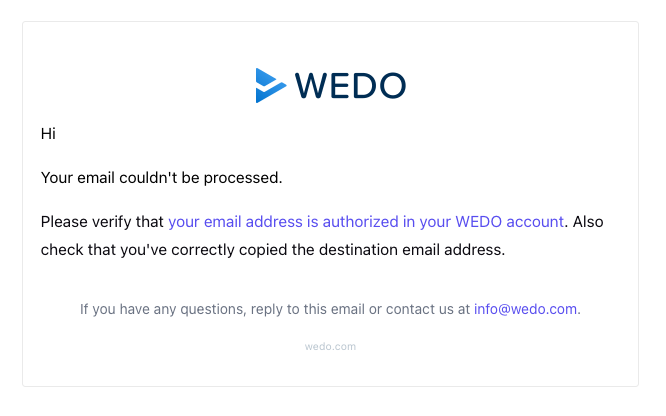
Don't panic, here are some simple checks to resolve this issue. Several reasons can explain this blockage:
Using an email alias
WEDO systematically verifies that the sender is a known user. If you send an email from a generic address (e.g., info@, project@, request@), it will not be recognized, and the email will not be converted.
Solution: Check the sender address in your outbox. If you need to use an alias, you can add it yourself to your WEDO account, or ask a network administrator to add it to the list of authorized emails. Find more information in the article "Authorize an email address".
Images in the email body
Images embedded directly within the text (such as pasted screenshots or signature logos) can block processing.
Solution: Download the image to your computer and insert it as an attachment, or remove it from the email body before forwarding.
Attachment size (max. 50 MB)
WEDO cannot import files larger than 50 MB.
Solution: Upload your document to your preferred cloud management tool (SharePoint, Dropbox, iCloud, kDrive, etc.) and simply insert the sharing link into the body of your email.
Presence of CC or BCC recipients
WEDO may encounter difficulties processing emails that include other people in carbon copy (CC) or blind carbon copy (BCC).
Solution: Make sure that the WEDO address is the only recipient of your email.
Antivirus blocking
If your email contains attachments, the security system or our antivirus may scan these files and block task creation if a suspicious element is detected.
DKIM signature
If all previous points have been checked and the problem persists, it may be a security conflict with your mailbox's DKIM signature.
Solution: Contact your IT department to verify/enable DKIM on your outgoing emails, or ask a WEDO administrator for a temporary deactivation of the DKIM signature verification.

