
The Compliance management add-on protects your organization's sensitive files by controlling who can open them. It is available on the Enterprise plan. Only administrators can add it to the subscription and manage its settings.
What the add-on includes
File classification: every file gets a level (Public, Internal, Confidential or Secret), and only users whose clearance covers that level can open it.
Clearances: an administrator sets the clearance of each user.
Controlled declassification: making a file public can require a scan by your compliance proxy, and administrators decide on the requests of users whose file was blocked.
Two settings on the Security page of the organization settings: Password strength and IP restriction.
Add the add-on
In the organization settings, click Billing.
Click Manage add-ons.
Turn on Compliance management (1). Its price is per user and per month.
Confirm the change.
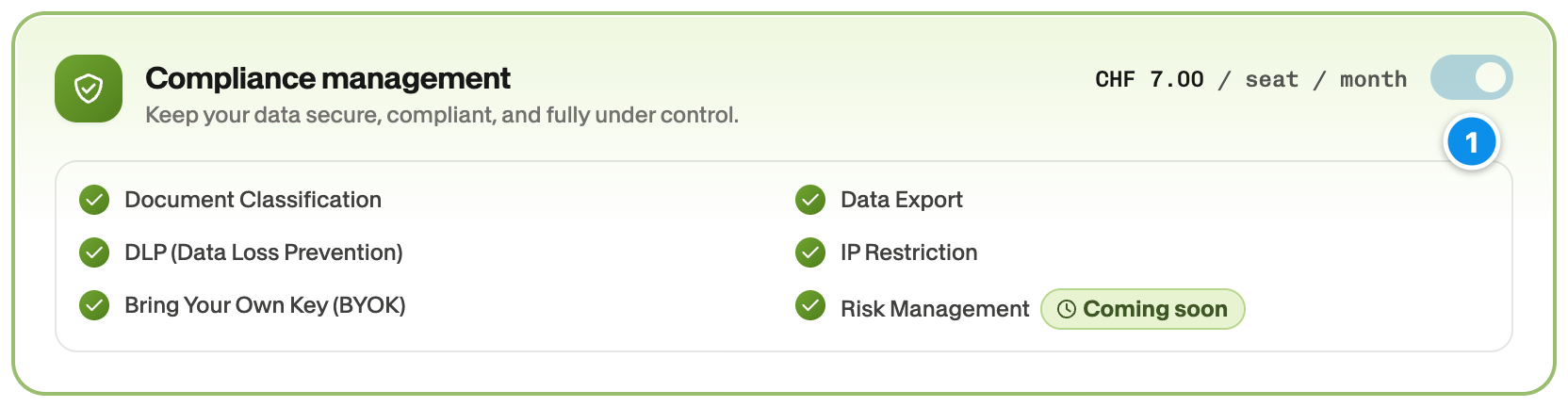
The switch is only available on the Enterprise plan. On another plan, change it first with Manage plan. Once added, the add-on cannot be removed from the Billing page: contact our support through the chat.
Users who are not administrators see the add-on's features locked, with a button to ask an administrator for an upgrade.
After adding the add-on
Adding the add-on changes nothing in your network by itself: classification only applies once an administrator turns on File classification on the Security page. The confirmation screen of the purchase offers a shortcut to do it.
ℹ️ If your organization's security policy is managed by WEDO, file classification may be turned on as soon as the add-on is added, and some of its settings locked.
Learn more
File classification
Enable and set up file classification
Classify a file
Declassify a file
Each article explains one part of the add-on, from the administrator's settings to the user's everyday actions.
