
What is a notification?
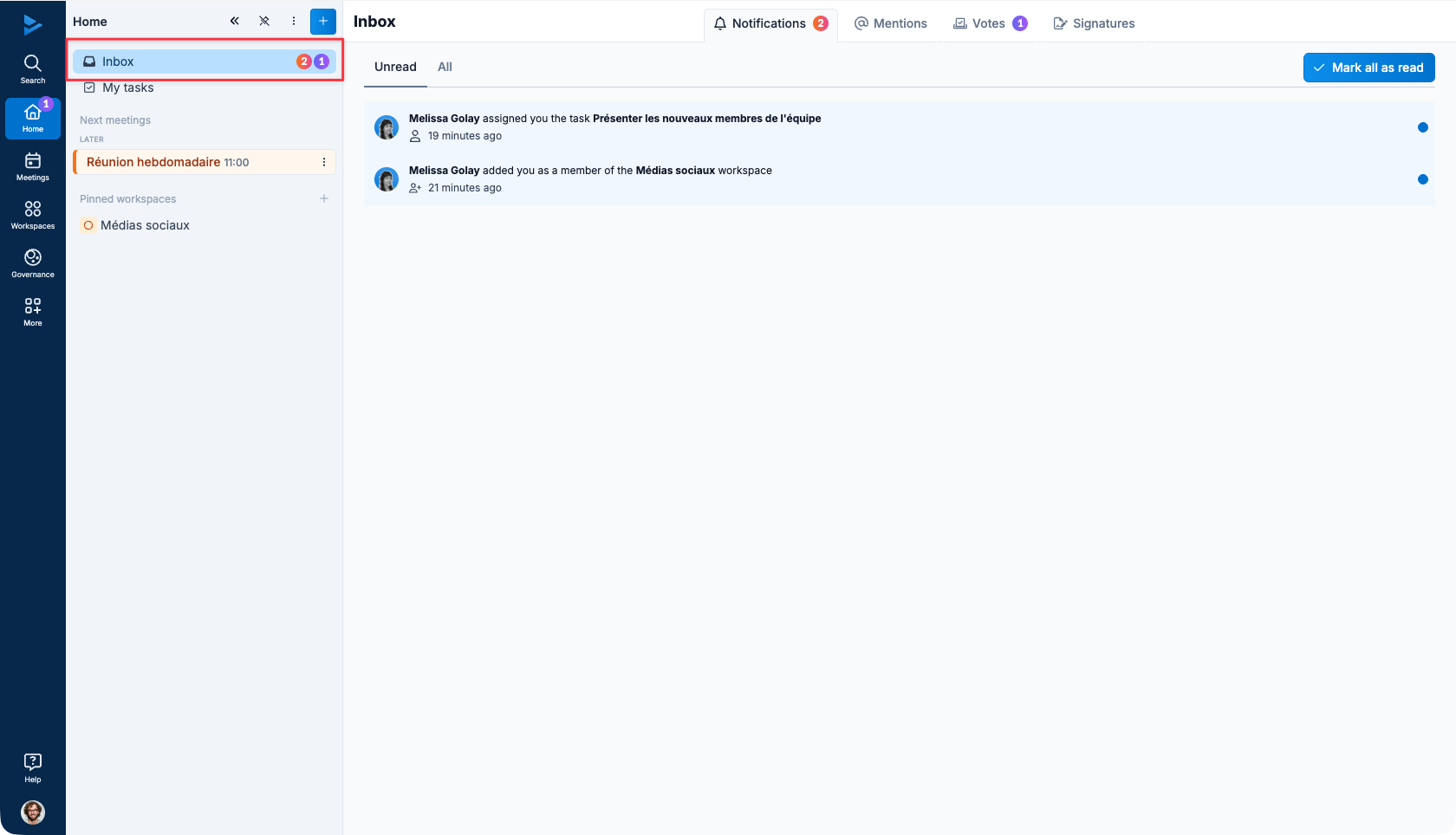
WEDO includes a notification system. Notifications automatically inform you of changes to workspaces, checklist templates and tasks.
The bell at the upper-left corner of the screen represents the notification area. Clicking on it takes you to all the notifications that concern you.
For more information on how to set up notifications, please see the following article: Notification settings.
Actions that generate notifications in WEDO
Actions concerning tasks
Task observers are notified when :
The task is completed
The Ongoing task is resumed
The task is deleted
The task is restored
The task is commented on
The tasks due date is changed
The tasks assignee is changed
Actions concerning checklist templates and checklists
All template members are notified when :
A member launches a checklist from the template
